


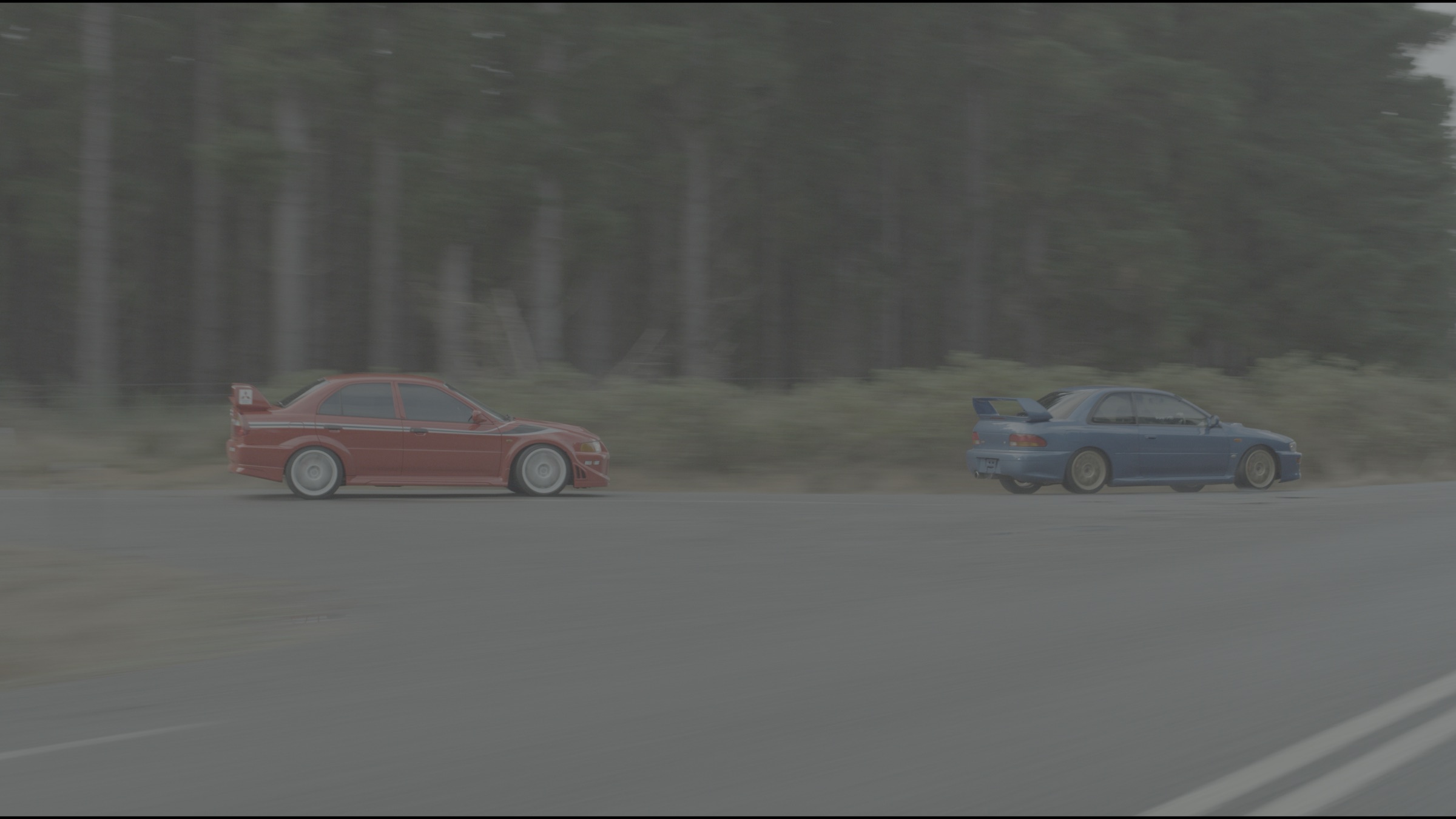
Workflow
From Raw
to Final Grade.
01
Color Management
Detects your camera and converts Log to Rec.709.
Compatible with all camera brands.
Compatible with all camera brands.
02
Presets Library
Prompt your idea, your references, your story..
The Library will show you the presets that match your project.
The Library will show you the presets that match your project.
03
Color Processing
Apply your preset, it will get adapted to your footage using Smart Sliders to provide the best result.
It will also perform Analyze & Correct to auto-correct the signal before applying the preset.
It will also perform Analyze & Correct to auto-correct the signal before applying the preset.
04
Final Retouching
Adjust the sliders, make it perfect to your eyes. You have full control.
The tools remain calibrated, giving you the best experience possible.
The tools remain calibrated, giving you the best experience possible.
Features
01
Smart Sliders
React to the signal changes for a better precision. Connects sliders together for more efficiency and as you were using a color grading panel.
02
Analyze & Correct
Intelligent signal analysis that applies corrections automatically and allows you to change them.
03
Exposure
Realistic exposure based on the camera's sensor characteristics.
04
Gamma & Gamma Curve
Contrast algorithm that protects your colors and delivers a more filmic result on your footages.
05
Chroma & Chroma Curve
Saturation algorithm that gives you rich colors with a warm or cold tonal control.
06
Temperature & Tint
Realistic color temperature and tint control based on the camera's sensor characteristics.
07
Subtractive Color & Color Mix
Filmic colors with advanced mixing capabilities for protecting skin tones.
08
Shift WXYZ
Filmic color contrast with intelligent calibration to give more character and emotions.
09
Burn
A unique algorithm to create a warm look with intense colors and a gentle hue shift.
Save & Export
Exporting options.
Export your result as a preset for reuse in projects and team collaboration.
Export as LUT for monitoring on set with clients and editing preview.
Shift
MCG.shift
Preset
Stores all slider values. Best for reusing in other projects.
MCG.cube
LUT
Bakes your grade into a 33 or 65 LUT for monitoring on set and client review.
Accuracy & Consistency
We work with EIZO to provide
the best image accuracy.
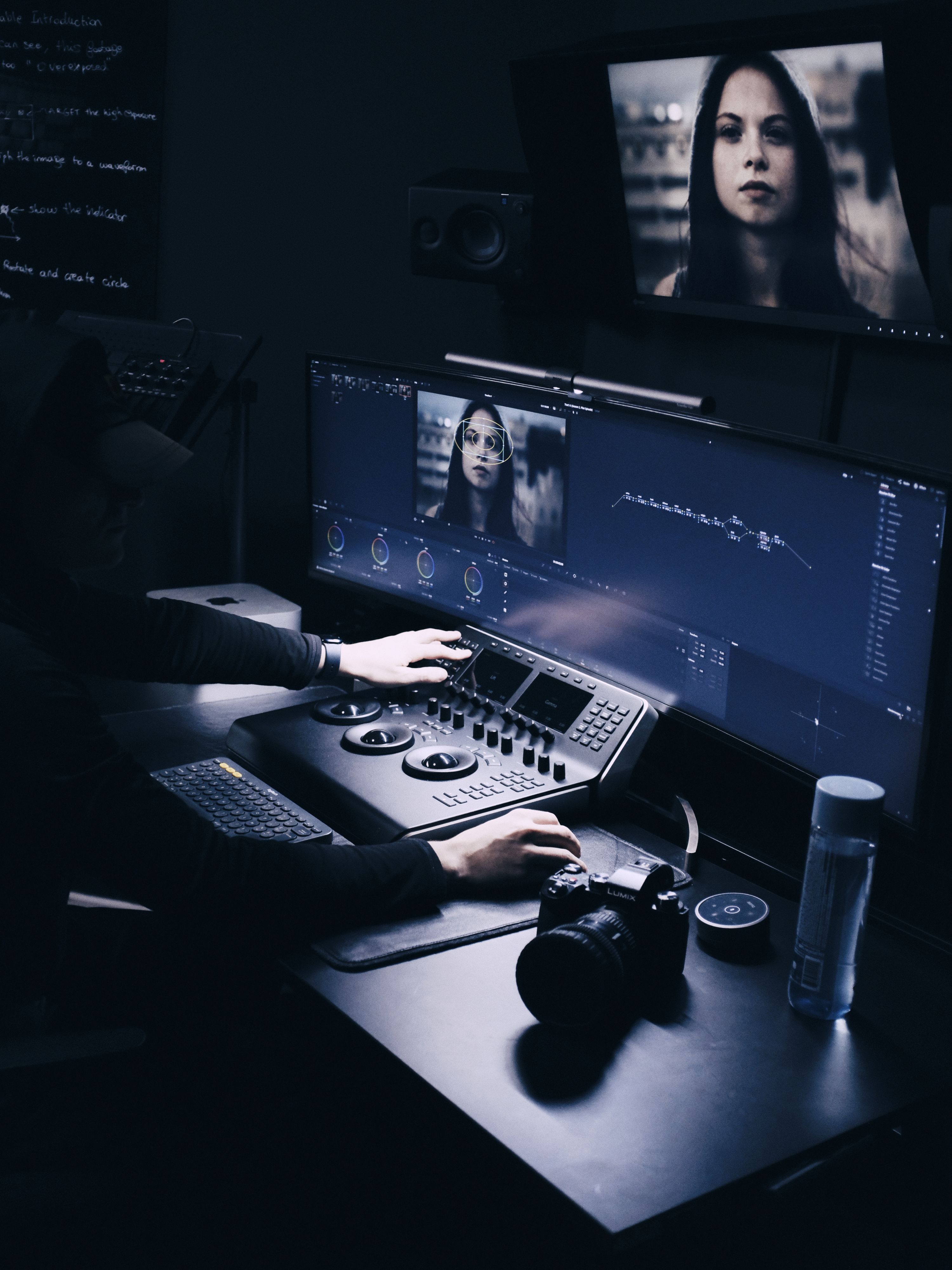
Shift has been developed in collaboration with EIZO ColorEdge, the most accurate monitors used by professional colorists, made in Japan.
Read Article
Comparison
Simplicity and Quality.
The only solution for creators who refuse to compromise.
Shift
LUTs
Community
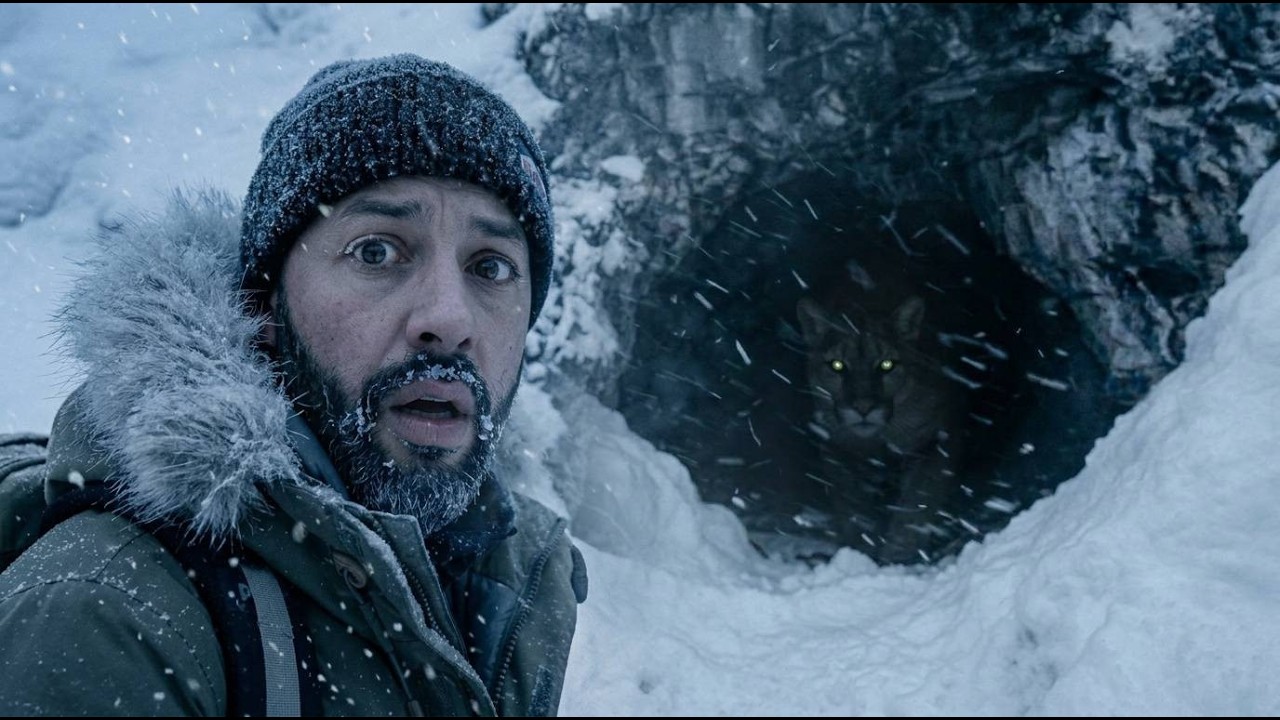
Recent work made with Shift.
$8.99/month
Get Shift